


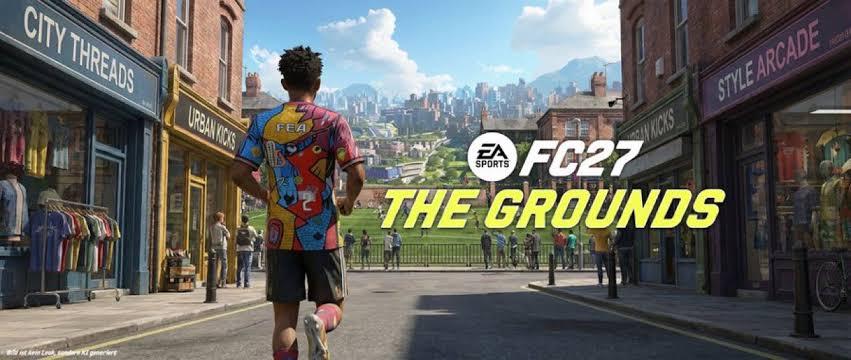
EA Sports FC 27 Early Access is now live, allowing players to experience the new football game before its global release. While many players are already building their Ultimate Team squads and exploring the latest features, some PC users are reporting problems launching the game.
For affected players, EA FC 27 may appear to start normally through the EA app. The anti-cheat software loads, but the launcher then closes after roughly 30 seconds, preventing the game from reaching the main menu.
Fortunately, a potential workaround has been identified by members of the PC community.
Why Is EA FC 27 Not Launching on PC?
Reports about the problem started appearing shortly after FC 27 Early Access went live. According to players discussing the issue, the game can begin the normal startup process before unexpectedly closing.
One possible cause appears to be a conflict between EA's anti-cheat system and FACEIT Anti-Cheat. FACEIT Anti-Cheat is installed on many PCs used for competitive gaming, so players who have both programs installed may encounter compatibility problems.
However, this connection has not been officially confirmed by EA. Some players have also reported that they use FACEIT Anti-Cheat without experiencing any launch problems.
That means the issue may have multiple causes, and the FACEIT connection should currently be considered a possible explanation rather than a confirmed technical fault.
How to Fix EA FC 27 Not Launching
If FACEIT Anti-Cheat is installed on your PC and FC 27 repeatedly closes during startup, the community has reported success with the following workaround:
- Uninstall FACEIT Anti-Cheat from your PC.
- Restart your computer.
- Open the EA app again.
- Launch EA Sports FC 27.
- Check whether the game reaches the main menu normally.
Several players have reported that removing FACEIT Anti-Cheat and restarting their systems allowed FC 27 to launch successfully.
If you do not have FACEIT Anti-Cheat installed, this particular workaround is unlikely to address your problem. In that situation, checking for EA app updates, restarting the EA app, updating your graphics drivers, and verifying the game's installation are other basic troubleshooting steps worth trying.
What About FC 27 Coins and Ultimate Team?
Once the game is running, Ultimate Team will be one of the main attractions for FC 27 players. Building a competitive squad requires players to manage their in-game resources carefully, especially during the early stages of the new football cycle.
Players researching FC 27 Coins may also come across different marketplaces and trading platforms. If you're comparing available options, z2u.com provides a marketplace where players can browse gaming-related listings.
Before making any purchase, players should check the relevant platform rules, seller information, delivery conditions, and account-security considerations.
FC 27 Price and Release Information
The FC 27 price can vary depending on the edition, platform, region, and available promotions. Players should check the official EA or platform store for the latest local pricing before purchasing.
Early Access gives eligible players an opportunity to start playing before the standard worldwide release, which is particularly important for Ultimate Team fans who want to begin building their squads as early as possible.
Is FACEIT Anti-Cheat the Official Cause?
Not at this time.
The reports connecting FACEIT Anti-Cheat with the FC 27 launch issue come from community troubleshooting rather than an official EA announcement. The fact that multiple players reported success after uninstalling FACEIT makes the workaround worth trying for affected users, but it does not prove that FACEIT is responsible for every PC launch problem.
EA may provide additional information or release a future update if the issue is confirmed and reproduced.
EA FC 27 PC Launch Issue: Quick Summary
If FC 27 starts through the EA app but closes shortly afterward, especially during the anti-cheat startup process, check whether FACEIT Anti-Cheat is installed.
The currently reported workaround is:
Uninstall FACEIT Anti-Cheat → Restart your PC → Launch FC 27 again.
Because this is a community-discovered solution, there is no guarantee it will work for every player. Keep an eye on official EA updates for a confirmed fix if the problem continues.
As more players enter FC 27 Early Access, additional launch issues and solutions may become clearer. For now, resolving startup problems should be the first priority before worrying about squad building, FC 27 Coins, or finding the best FC 27 price for your chosen edition.

 English